/
August 31, 2026
ERPNext Implementation: What Businesses Should Know Before Getting Started
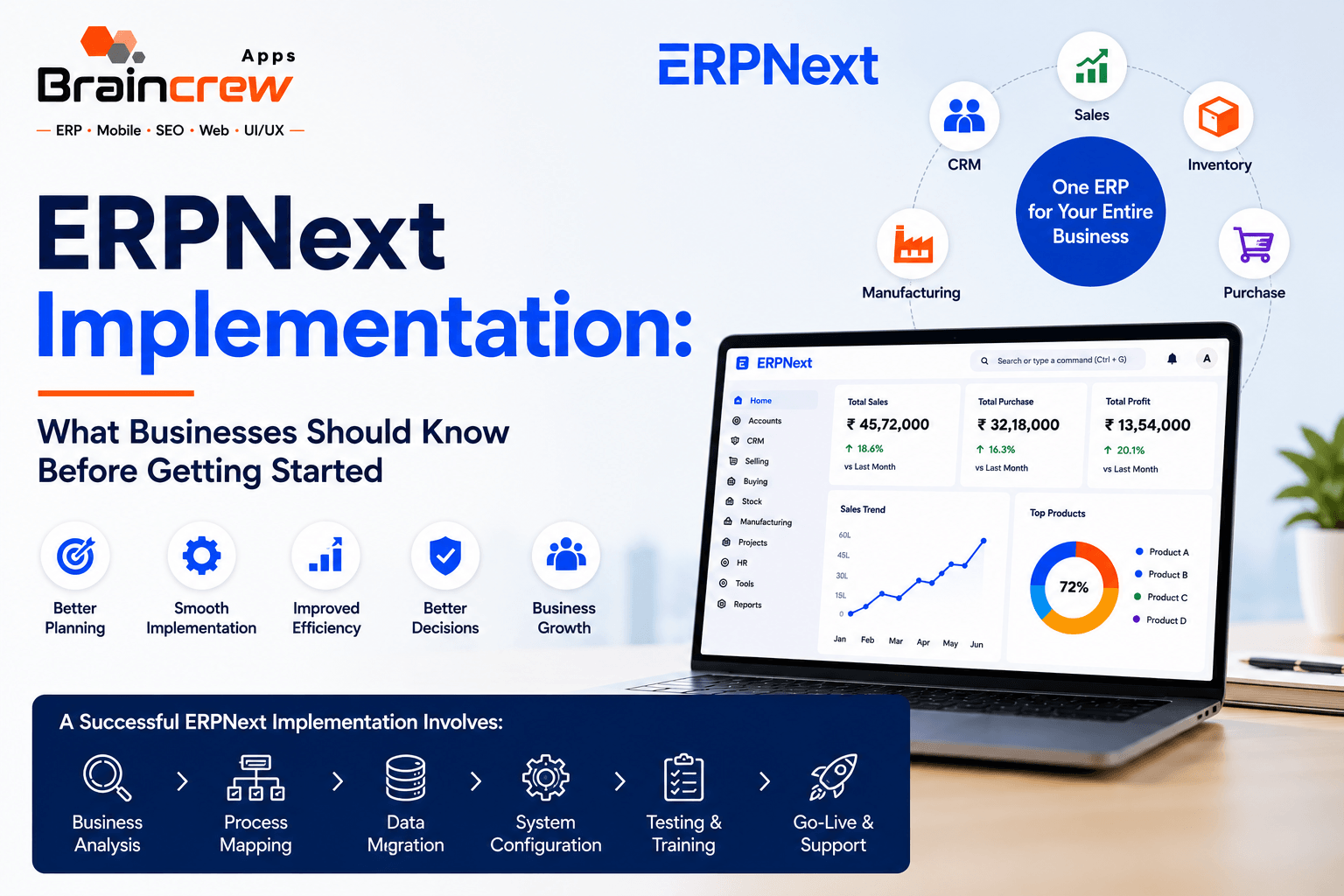
Choosing an ERP is only the beginning. The real difference comes from how the system is implemented.
For a growing business, ERPNext implementation involves more than installing software. It requires understanding existing business processes, preparing data, configuring modules, defining user permissions, testing workflows, training employees and planning a smooth transition to the new system.
ERPNext can bring functions such as accounting, inventory, sales, purchasing, manufacturing, CRM, HR and projects into a connected business platform.
But successful implementation starts with a clear plan.
If your business is considering ERPNext, here is what you should know before getting started.
What Is ERPNext Implementation?
ERPNext implementation is the process of configuring and adapting ERPNext to match the way your business operates.
It typically includes:
- Business requirement analysis
- ERP module selection
- Process mapping
- System configuration
- Data migration
- User and permission setup
- Workflow configuration
- Customization where required
- Testing
- Employee training
- Go-live planning
- Post-implementation support
ERPNext’s own documentation recommends establishing core business information, accounting structures, warehouses, customers, suppliers, users and permissions before moving into regular transactions.
The objective is not simply to make ERPNext work technically. The objective is to make it work for your business.
Why Businesses Need a Proper ERPNext Implementation Plan
A poorly planned ERP implementation can create unnecessary disruption.
For example, if your company moves inaccurate customer, supplier, inventory or accounting data into the new system, employees may spend significant time correcting records after go-live.
Similarly, configuring every module without first understanding your actual processes can make the system unnecessarily complicated.
A structured implementation helps your business:
Reduce manual work → Improve data accuracy → Connect departments → Improve visibility → Make better decisions
ERPNext recommends defining business needs and goals before setup, followed by configuration, training and go-live.
Step 1: Understand Your Business Requirements
Before configuring ERPNext, identify what your business actually needs.
Ask:
- Which processes are currently manual?
- Which departments need ERP access?
- What software are you currently using?
- Where does duplicate data occur?
- Which reports are difficult to prepare?
- Which workflows require approval?
- What information should management see in real time?
For example, a manufacturing company may need:
Sales → Purchase → Inventory → BOM → Production → Accounting
While a trading company may primarily need:
Sales → Purchase → Inventory → Accounting
The implementation should reflect your actual business processes rather than forcing every company into the same setup.
Step 2: Select the Right ERPNext Modules
ERPNext provides a broad range of business functionality, including accounting, CRM, sales, purchasing, inventory, manufacturing, HR/payroll, projects and more.
However, you don’t necessarily need to implement everything on day one.
A better approach is to identify your priority modules.
Common ERPNext Modules
Business Requirement | ERPNext Area |
Customer & lead management | CRM |
Sales quotations & orders | Selling |
Vendor management | Buying |
Stock management | Inventory |
Financial management | Accounting |
Production management | Manufacturing |
Employee management | HR & Payroll |
Project tracking | Projects |
Starting with the most important processes can make adoption easier and allow additional functionality to be introduced in phases.
Step 3: Map Your Existing Business Processes
This is one of the most important parts of ERPNext implementation.
Your implementation team should understand how work currently moves through your organization.
For example:
Current Process
Customer Enquiry
↓
Salesperson prepares quotation
↓
Order received
↓
Purchase team checks stock
↓
Purchase order created
↓
Goods received
↓
Invoice generated
↓
Payment recorded
Then the implementation team can determine how this process should be handled inside ERPNext.
This process mapping helps identify unnecessary steps, approval requirements and opportunities for automation.
Step 4: Prepare Your Business Data
Data migration is often one of the most challenging parts of ERP implementation.
Businesses may have information spread across:
- Excel files
- Tally
- Previous ERP systems
- Accounting software
- CRM systems
- CSV files
- Manual records
Instead of importing everything blindly, determine which information is actually required.
ERPNext documentation recommends preparing clean legacy data and importing required masters and opening balances, rather than unnecessarily moving years of low-value historical transactions.
Typical Data Migration
Customers
Suppliers
Items
Warehouses
Opening Stock
Receivables
Payables
Opening Balances
Clean data before migration can make the transition considerably easier.
Step 5: Configure ERPNext Around Your Business
ERPNext includes configurable settings for companies, currencies, fiscal years, chart of accounts, taxes, warehouses, users and permissions.
Your ERPNext implementation partner may configure areas such as:
- Company structure
- Accounting
- Taxes
- Warehouses
- Naming series
- User roles
- Permissions
- Approval workflows
- Print formats
- Notifications
- Reports
- Dashboards
The objective is to create a system that supports your business processes without unnecessary complexity.
Step 6: Decide Where Customization Is Really Needed
Not every business requirement requires customization.
A good ERPNext implementation consultant should first determine whether an existing ERPNext feature or configuration can solve the requirement.
Customization may be considered when your business has genuinely unique requirements that cannot reasonably be handled through standard configuration.
This approach can help control implementation complexity and future maintenance requirements.
Step 7: Test Before Going Live
Testing should happen before employees begin using ERPNext for live transactions.
Your team should test real business scenarios such as:
Quotation → Sales Order → Delivery → Invoice → Payment
or:
Purchase Order → Receipt → Purchase Invoice → Payment
For manufacturing:
Sales Order → Material Planning → Production → Stock → Delivery → Invoice
ERPNext’s setup guidance recommends running complete sales, purchase, stock and accounting cycles before going live and validating opening balances and financial information.
Step 8: Train Your Employees
Even the best ERP system will struggle if employees don’t understand how to use it.
Training should be based on each user’s responsibilities.
For example:
Sales Team: Quotations, customers, sales orders
Purchase Team: Suppliers, purchase orders, receipts
Accounts Team: Invoices, payments, reconciliation
Warehouse Team: Stock movements and inventory
Management: Dashboards and reports
A structured training approach improves user adoption and reduces resistance to the new system.
Step 9: Plan Your Go-Live
Go-live should be treated as a business transition, not simply a software launch.
Before going live, confirm:
✔ Data has been validated
✔ Users have been trained
✔ Permissions are tested
✔ Workflows are working
✔ Opening balances are correct
✔ Reports have been checked
✔ Critical processes have been tested
ERPNext’s migration guidance also recommends reconciling financial and stock information at the cutover point and establishing reliable opening balances.
FAQ
1. Do they understand your industry?
Manufacturing, trading, distribution and service businesses have different workflows.
2. Can they explain the implementation process?
A professional provider should be able to explain discovery, configuration, migration, testing, training and go-live.
3. Do they provide customization?
If your business needs unique workflows, understand how customization will be handled.
4. How will data migration be managed?
Ask how your existing Excel, Tally or ERP data will be cleaned, mapped and imported.
5. What happens after go-live?
ERP implementation shouldn’t end the day the system goes live.